

DPD Export (DPD Shipper) 2.x - 3.x
Compatibility (OpenCart versions):
Compatibility (OpenCart versions):
- Stock: In Stock
- Model: dpd-export-2x-3x
Available Options
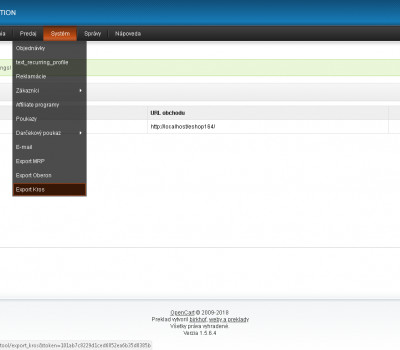
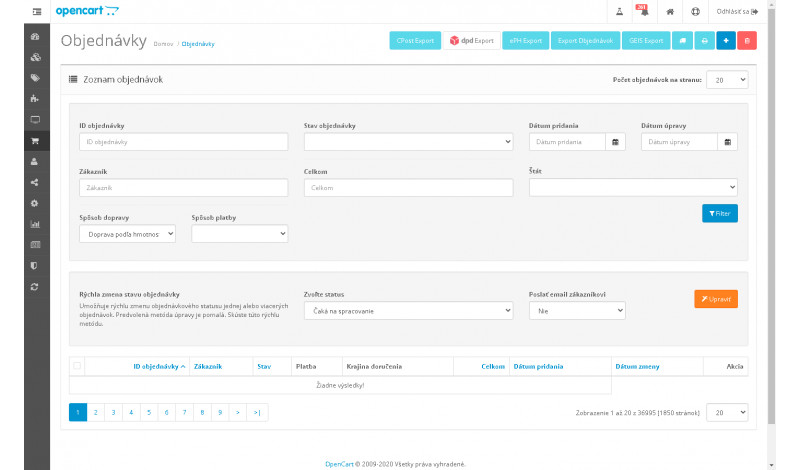
DPD Export (DPD Shipper) is an add-on module for the OpenCart platform that significantly simplifies transferring order data into the DPD Shipper system. Instead of manually entering shipment details into the DPD application, you can export all required logistics data as a CSV file and import it directly into DPD Shipper.
If you currently rewrite order data manually, experience frequent errors, or spend too much time preparing shipments, this module provides a practical and efficient solution that saves time and improves accuracy.
Main module benefits
- easy export of orders to CSV format for DPD Shipper
- significant time savings during shipment processing
- reduced error rate compared to manual data entry
- ability to select which orders are exported
- direct compatibility with the DPD Shipper import format
- stable integration with OpenCart
Module features
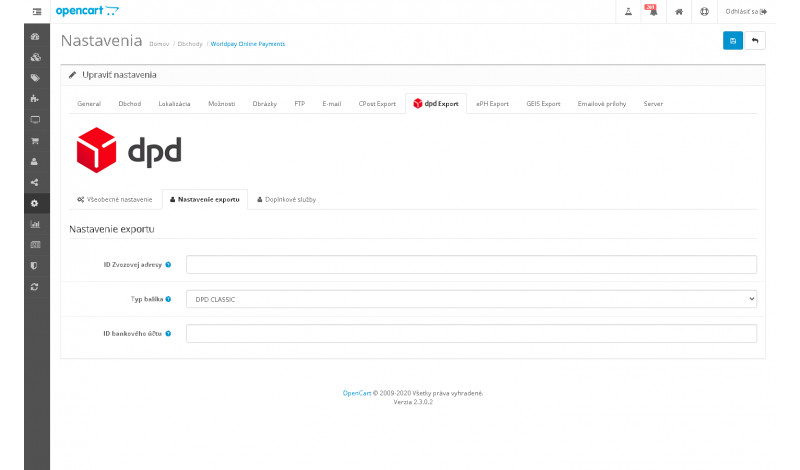
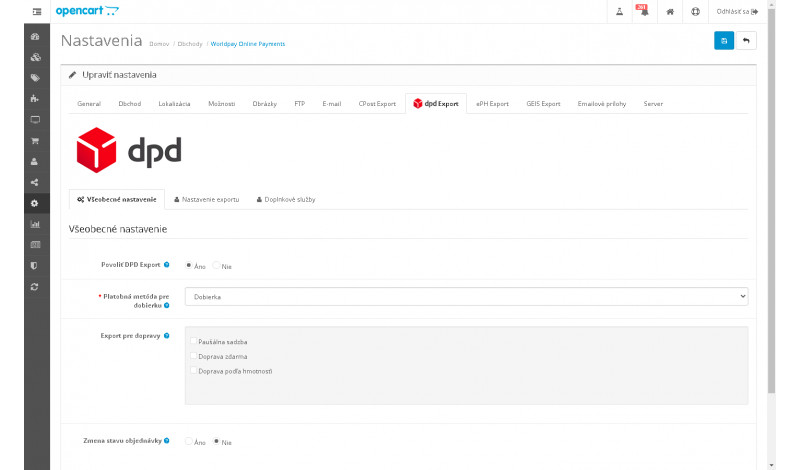
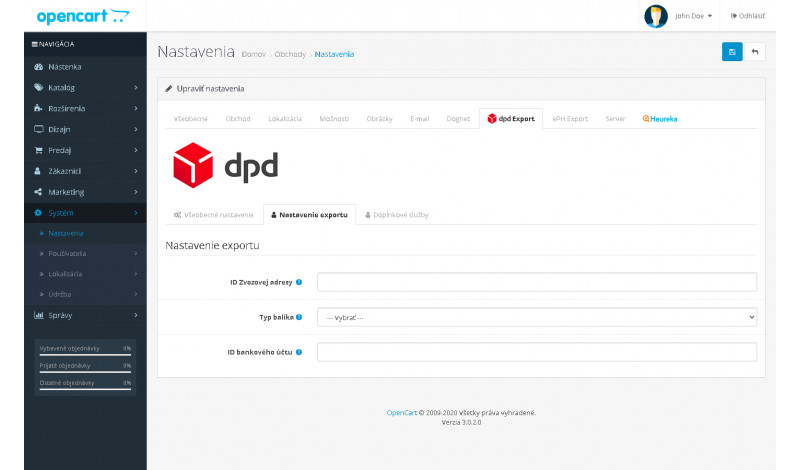
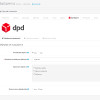
- sender configuration for all exported shipments
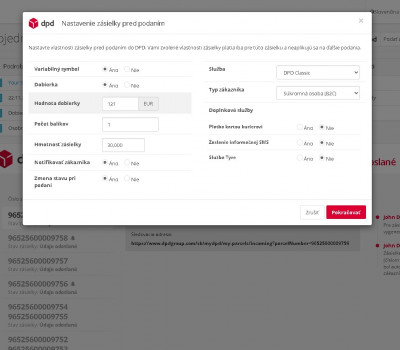
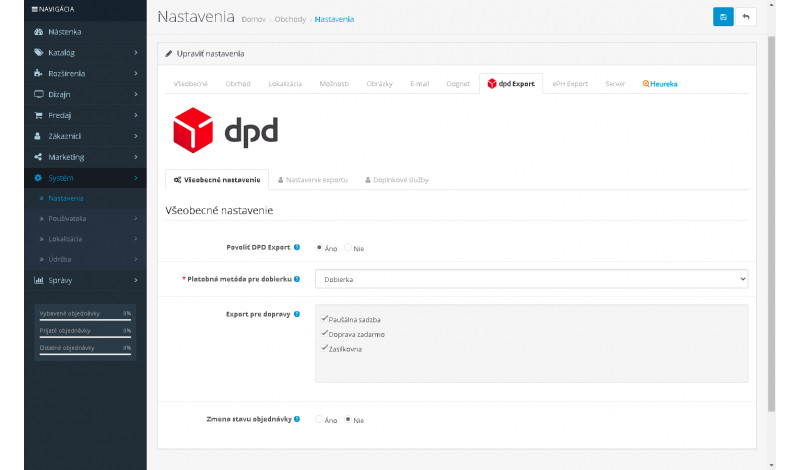
- cash on delivery support even without a standard COD payment module
- export limited to orders matched with the DPD shipping method
- automatic order status change during export
- customer notification after order status update
- support for X-Shipping Pro, X-Payment Pro, Multishipping, CzechPost
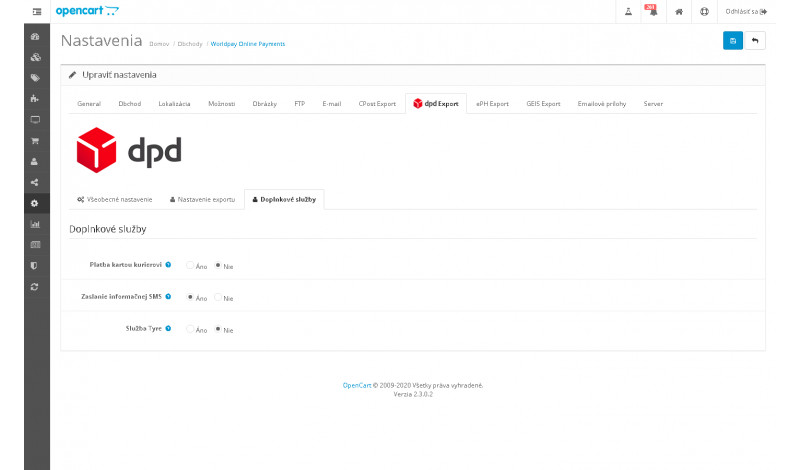
- service configuration directly during the export process
- option to enable SMS notifications for customers
Who is this module for?
This module is ideal for online stores that regularly export shipment data to DPD Shipper. If you want to eliminate manual data entry, speed up order processing, and reduce human error, DPD Export is a reliable and efficient solution.
Compatibility
The module is compatible with multiple OpenCart versions, including OpenCart 2.x, 3.x. Please verify compatibility with your specific OpenCart version before installation.
If you need custom modifications, additional features, or assistance with setup, feel free to contact us at support@opencart-solutions.com.
Module Installation Instructions
Before starting the installation of the module in OpenCart, we strongly recommend creating a backup of all store files and the database.
- Download the module file for the required OpenCart version from our website (if the archive contains installation instructions, please follow them).
- In the OpenCart administration panel, navigate to Extensions / Installer and click the Upload button.
- Select the downloaded file and wait until the module is fully installed. After successful installation, the message “Application installed successfully” will be displayed.
- Go to the Extension Modifications (Application Manager) and click the Refresh or Update button to rebuild modifications.
- Then open User Groups and assign permissions to view and manage the module for the administrator or selected users by clicking Select All.
After completing these steps, the module will be successfully installed and ready to use. You can now proceed with its configuration.