






DPD Shipper API - 3.x
Compatibility (OpenCart versions):
- Stock: In Stock
- Model: dpd-shipper-api-3x
Available Options
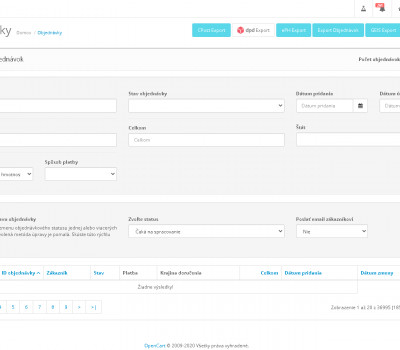
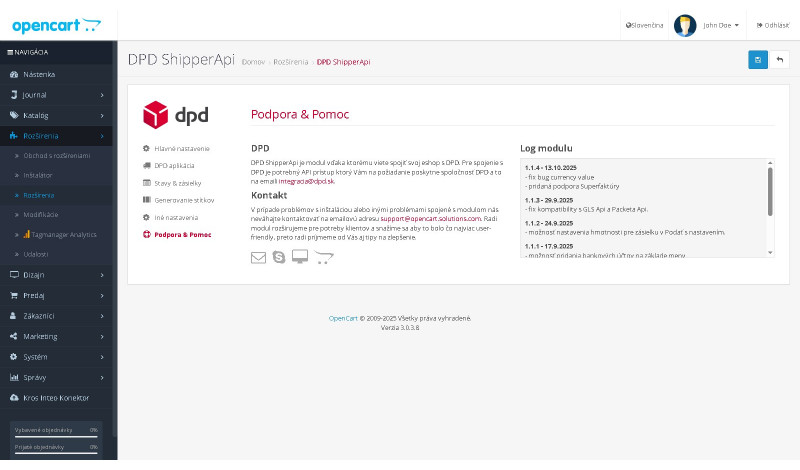
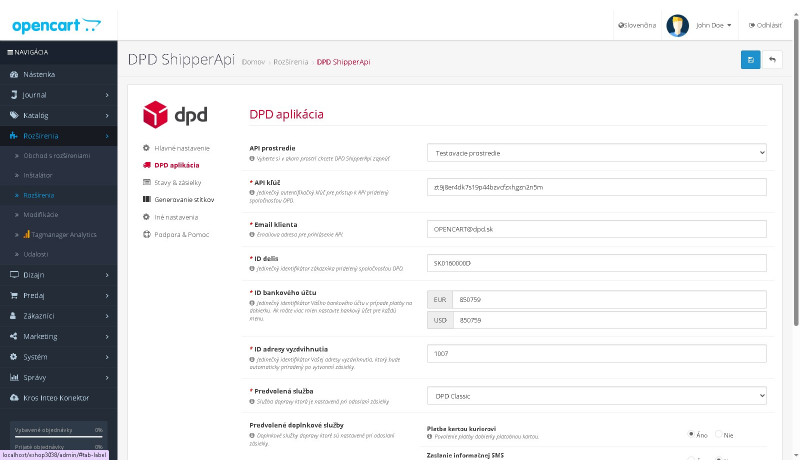
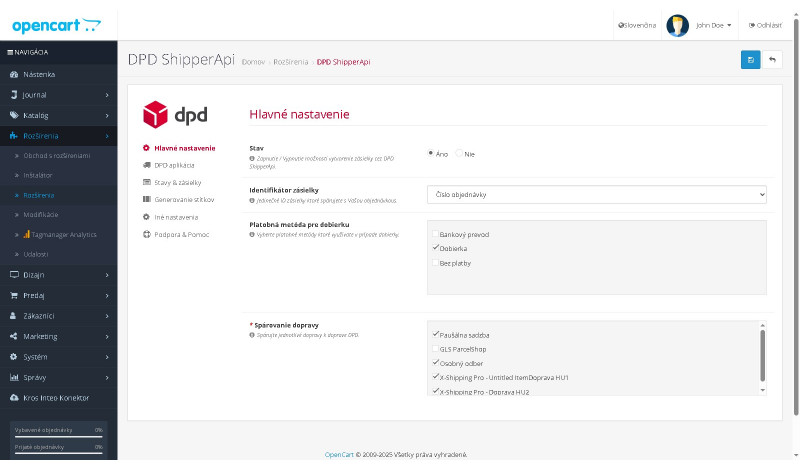
DPD Shipper API is a professional OpenCart module for automated transfer of logistics data between your e-shop and the DPD Shipper system via API. It enables fast shipment submission and automatic label generation directly from the store administration — with a single click, your label is ready for printing.
Simplify your dispatch process: forget manual data entry, reduce errors, and significantly speed up order fulfillment. The module is designed not to interfere with the OpenCart core, installation is handled via OCMOD, and regular updates are provided free of charge.
Why DPD Shipper API?
- Speed: label printing and shipment submission in just a few clicks.
- Accuracy: elimination of errors caused by manual data transcription.
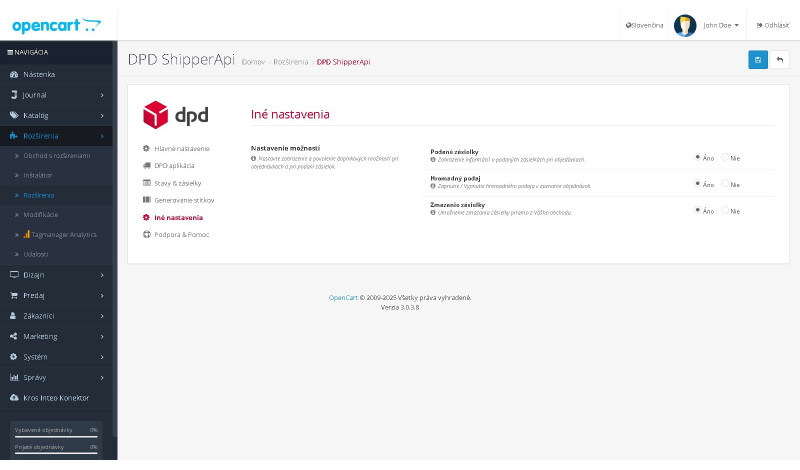
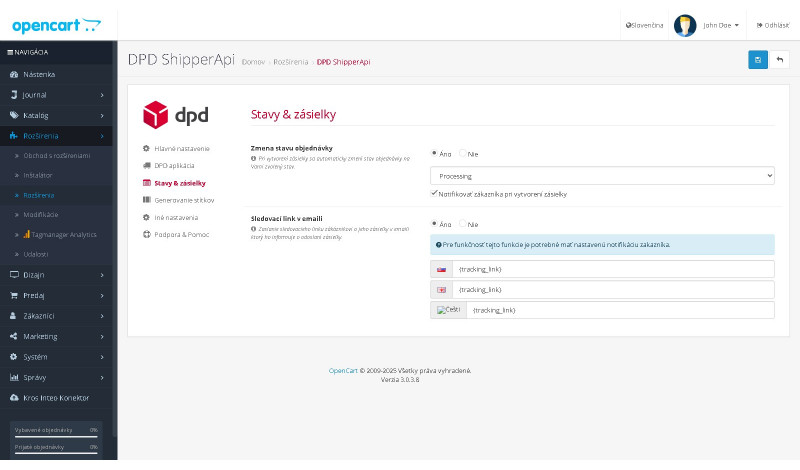
- Automation: customer notifications, order status changes, and automatic sending of tracking links.
- Compatibility: works with various shipping and payment modules, including multistore environments.
Main module features
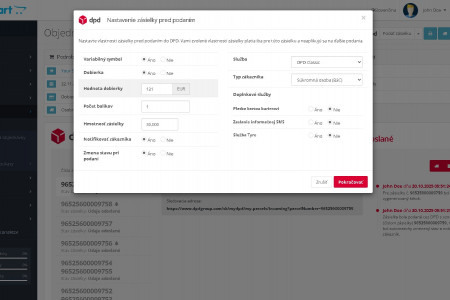
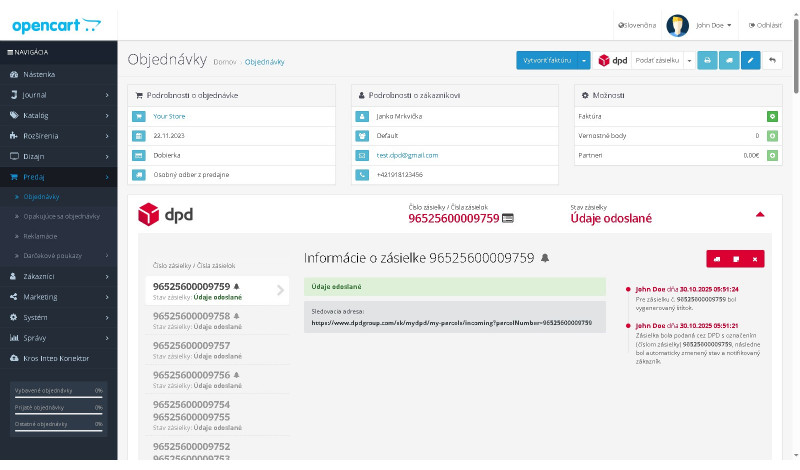
- Shipment submission directly from the OpenCart administration
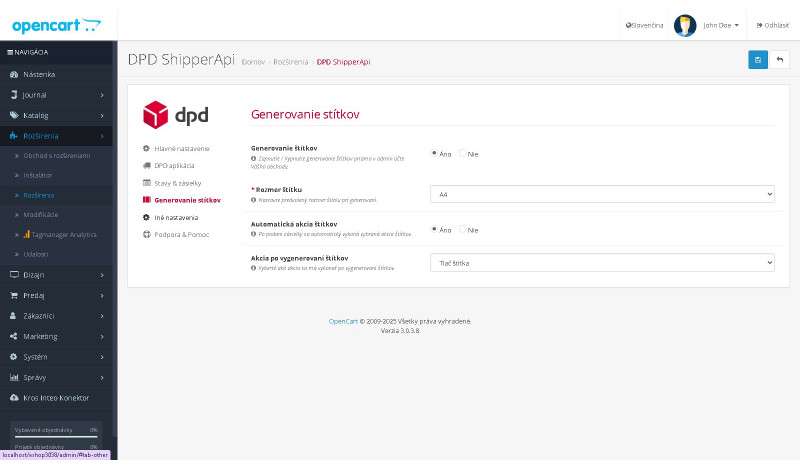
- Label generation and printing (direct print / PDF / preview)
- Label size and print mode configuration
- Ability to pair with any shipping module (X-shipping, Multishipping, CzechPost, and others)
- Cash on delivery integration with payment modules (including X-payment)
- Configuration of post-submission actions (automatic printing, information only with shipment number)
- Automatic customer notification after shipment submission
- Automatic order status update and tracking link delivery
- Pre-submission validation mechanisms (e.g. issued invoice check)
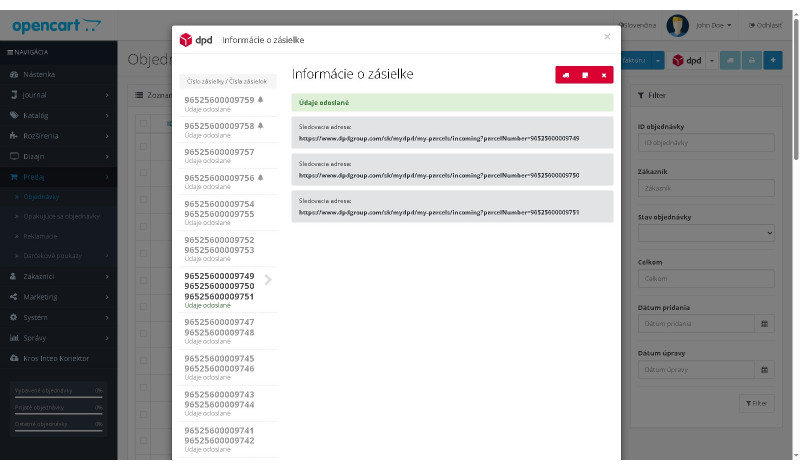
- Log center – overview of shipment-related activities and changes
- Multistore support
- Bulk shipment submission
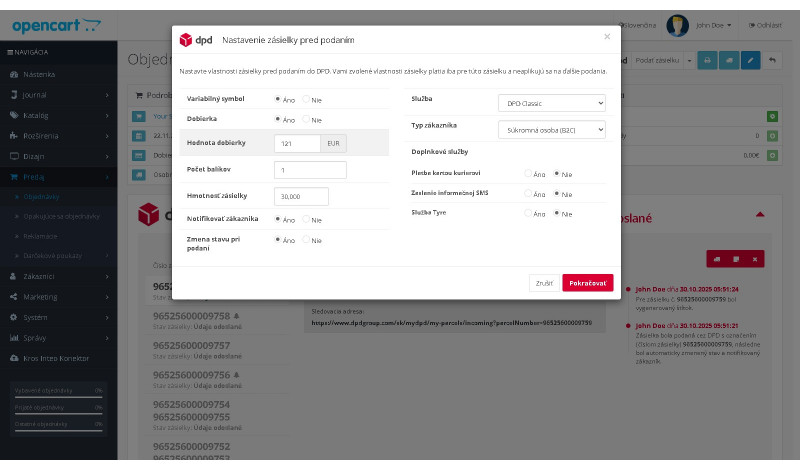
- Weight and service configuration before shipment submission
- SMS customer notifications upon shipment submission
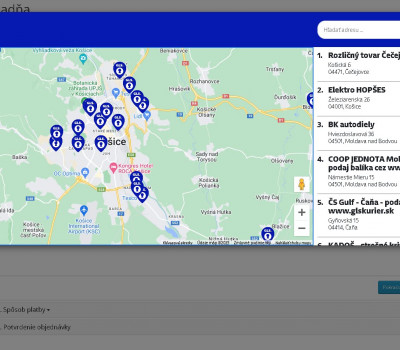
- Compatibility with the DPD Pickup Points module
Supported destinations
Support for all destinations offered by the DPD carrier.
Additional benefits
- Easy installation via OCMOD — no overwriting of original files.
- Free updates and ongoing feature improvements.
- Fast and responsive technical support.
- The module is regularly extended with new features based on user requests.
Installation and support
Installation is performed using OCMOD. If you require custom modifications, compatibility with a specific theme, or integration with an internal system, paid custom development and fast technical support are available.
Module Installation Instructions
Before starting the installation of the module in OpenCart, we strongly recommend creating a backup of all store files and the database.
- Download the module file for the required OpenCart version from our website (if the archive contains installation instructions, please follow them).
- In the OpenCart administration panel, navigate to Extensions / Installer and click the Upload button.
- Select the downloaded file and wait until the module is fully installed. After successful installation, the message “Application installed successfully” will be displayed.
- Go to the Extension Modifications (Application Manager) and click the Refresh or Update button to rebuild modifications.
- Then open User Groups and assign permissions to view and manage the module for the administrator or selected users by clicking Select All.
After completing these steps, the module will be successfully installed and ready to use. You can now proceed with its configuration.