




Packeta API 3.x
Compatibility (OpenCart versions):
- Stock: In Stock
- Model: packeta-api-3x
Available Options
Packeta API is a professional module for the OpenCart platform that enables automated integration of your online store with Packeta (Zásielkovňa) via API. The module is designed for e-shops that want to speed up order processing, simplify shipment submission, and manage shipping directly from the OpenCart administration.
Thanks to the automatic transfer of order data into the Packeta system, there is no need for manual data entry or time-consuming shipment processing in external applications. The module saves time, reduces errors, and significantly improves daily dispatch workflows, especially for stores handling a higher volume of orders.
Why use Packeta API in OpenCart?
Integration via Packeta API provides an efficient way to manage shipments, labels, and logistics processes without unnecessary administration. The module allows you to submit shipments directly from your e-shop, automate label generation, track shipment status clearly, and synchronize information back into OpenCart. The result is faster order fulfillment and a more professional delivery process for your customers.
The module supports both pickup points and Packeta delivery services, enables mapping of your own shipping and payment methods, and includes multiple validation and control mechanisms to prevent errors when submitting shipments. This makes it suitable for both small and large e-shops that require a stable and reliable shipping solution through Packeta.
Packeta API module features
- easy shipment submission directly from your e-shop
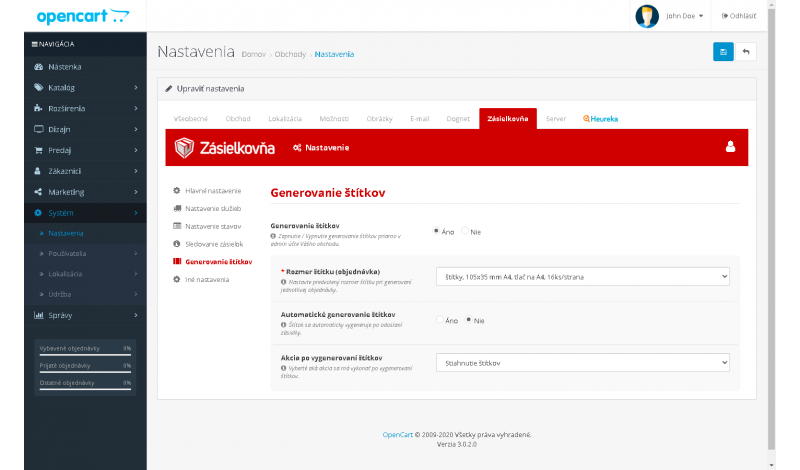
- label generation and printing directly from your e-shop
- label size configuration during generation directly in the administration
- label generation modes: forced print, forced download as a PDF file, forced preview
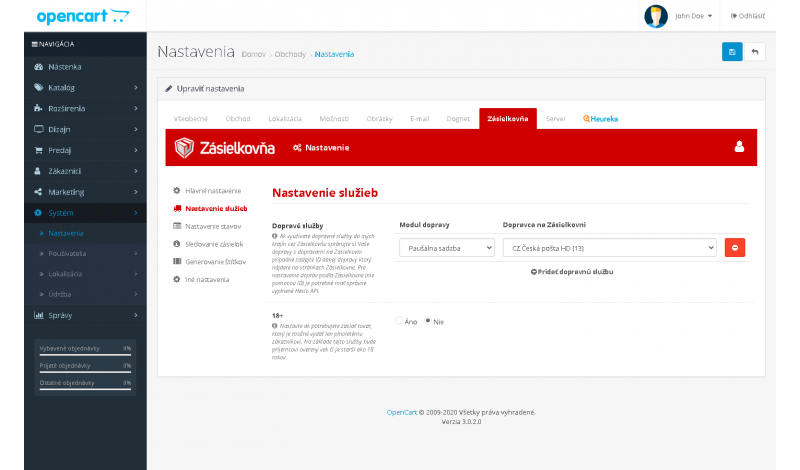
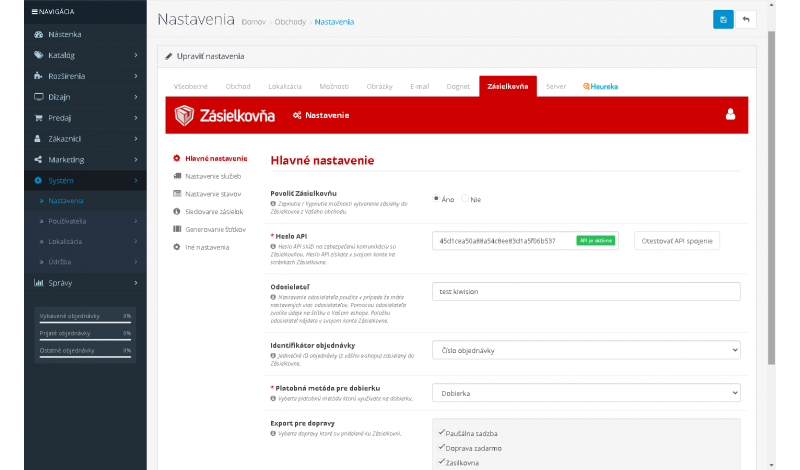
- sender configuration
- ability to pair any shipping method in your e-shop with the module (including X-shipping, CzechPost, Multishipping)
- ability to pair cash on delivery with your payment module (including X-payment)
- support for label generation and printing for Brother printers (recommended Packeta printer)
- ability to set actions after shipment submission (automatic label generation or only submission info with tracking number)
- automatic customer notification after shipment submission
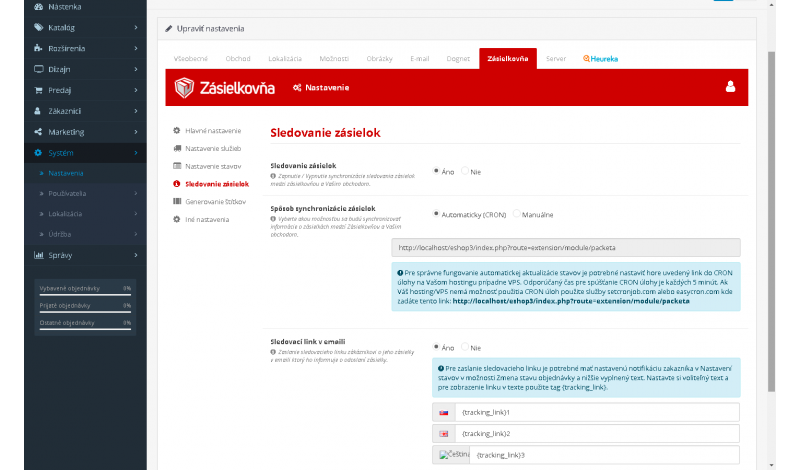
- ability to change the order status after submission and send a tracking link
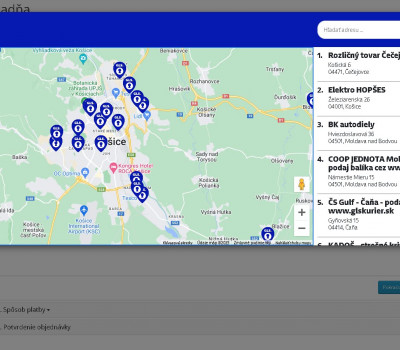
- support for pickup points and delivery services
- ability to map your shipping methods to Packeta delivery services
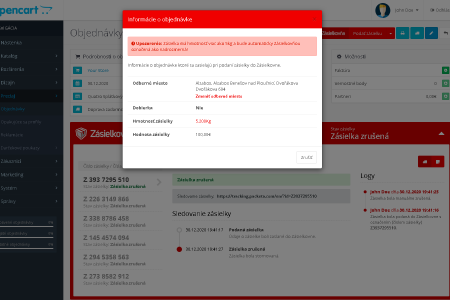
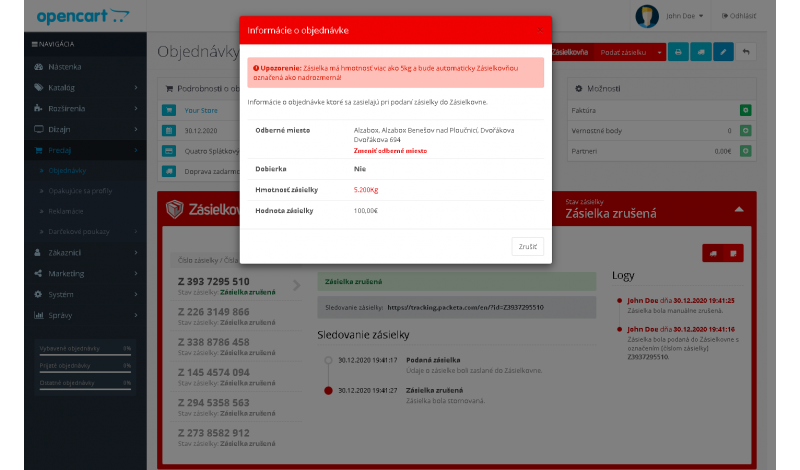
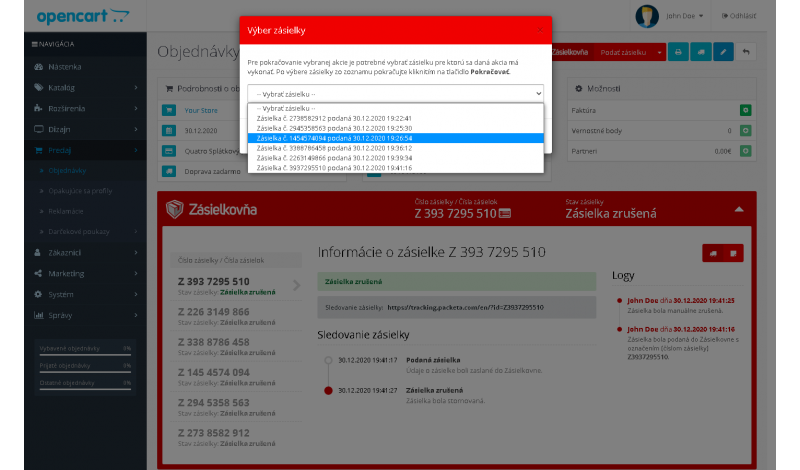
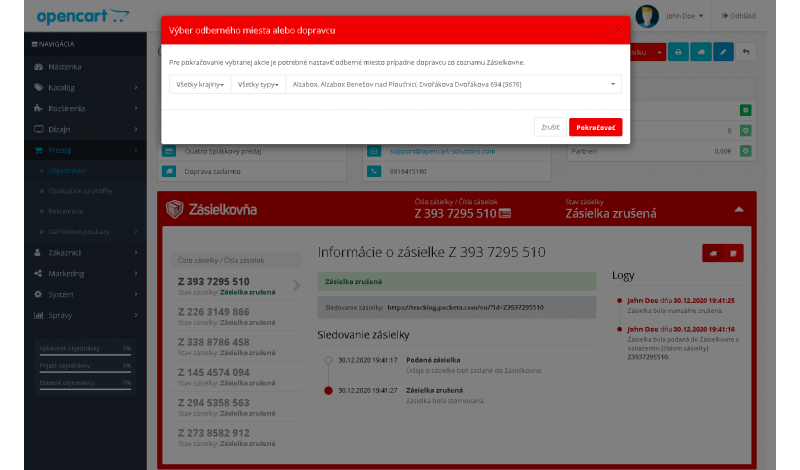
- ability to change the pickup point during submission if the selected point is inactive or not accepting parcels
- validation mechanisms during submission (invoice issued, pickup point accepts parcels, pickup point selected, COD availability for the destination service)
- log center (shows who did what and when with the shipment in your e-shop)
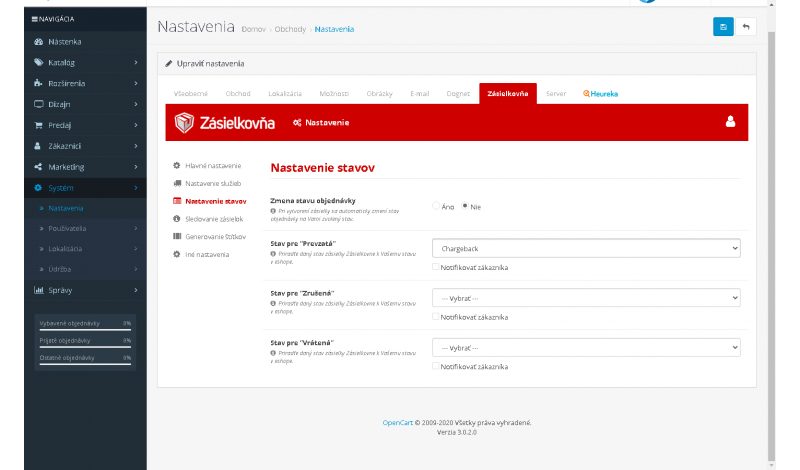
- automatic order status update after delivery, return, or shipment cancellation
- automatic notifications when the order status changes
- option to configure a CRON task for automatic shipment status checks from Packeta → your e-shop
- manual forced shipment status update
- multistore support
- integration with the official Packeta shipping module
- weight control and warnings
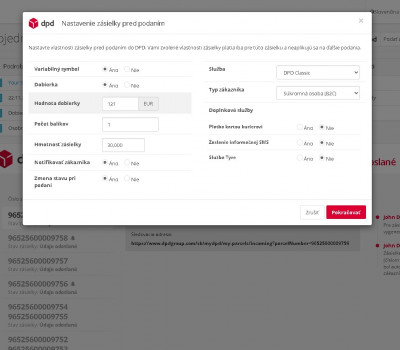
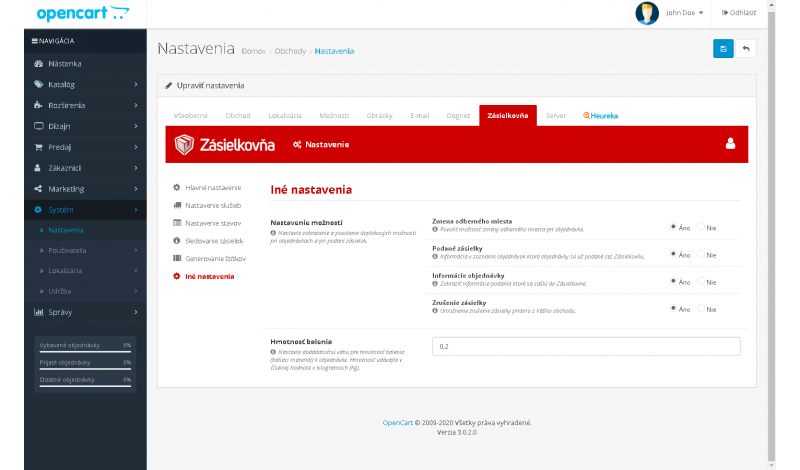
- option to set packaging weight
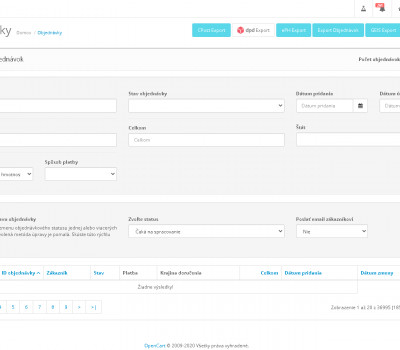
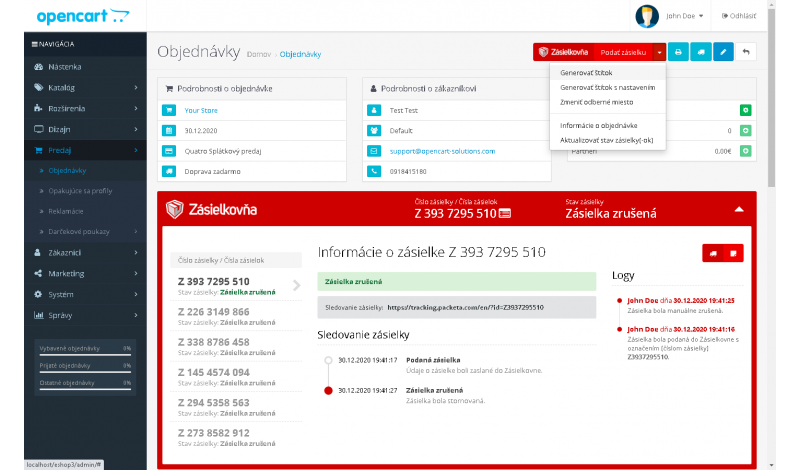
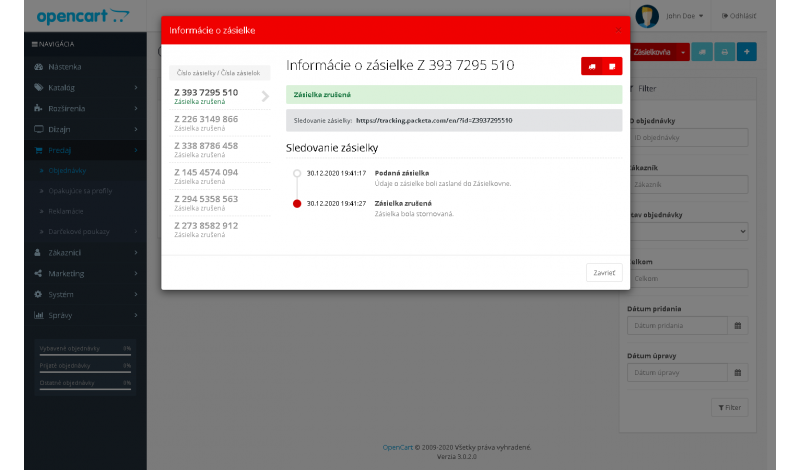
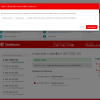
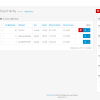
- display of submitted orders + modal window with shipment status
- ability to change the pickup point
- ability to cancel the order directly in the administration
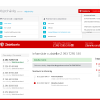
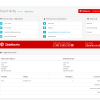
- order details available directly in the administration
- bulk submission from the order list
- submission with custom settings
- shipment weight transfer (mandatory since 01/09/2021)
- submission to external pickup points
- external pickup points support
- support for pairing with Packeta Courier
- direct label printing
- support for multiple cash on delivery options
- and much more
Compatibility
The module is designed for OpenCart 3.x. For correct functionality, Packeta API credentials must be configured and shipping methods must be properly set up in your e-shop. The module is built to be stable, easy to manage, and ready for real e-commerce operations.
If you are interested in custom modifications, additional features, or help with setup, feel free to contact us at support@opencart-solutions.com.
Module Installation Instructions
Before starting the installation of the module in OpenCart, we strongly recommend creating a backup of all store files and the database.
- Download the module file for the required OpenCart version from our website (if the archive contains installation instructions, please follow them).
- In the OpenCart administration panel, navigate to Extensions / Installer and click the Upload button.
- Select the downloaded file and wait until the module is fully installed. After successful installation, the message “Application installed successfully” will be displayed.
- Go to the Extension Modifications (Application Manager) and click the Refresh or Update button to rebuild modifications.
- Then open User Groups and assign permissions to view and manage the module for the administrator or selected users by clicking Select All.
After completing these steps, the module will be successfully installed and ready to use. You can now proceed with its configuration.