


Slovak Post OpenCart Module – Pickup Point Widget - 3.x
Compatibility (OpenCart versions):
- Stock: In Stock
- Model: slovak-post-widget-3x
Available Options
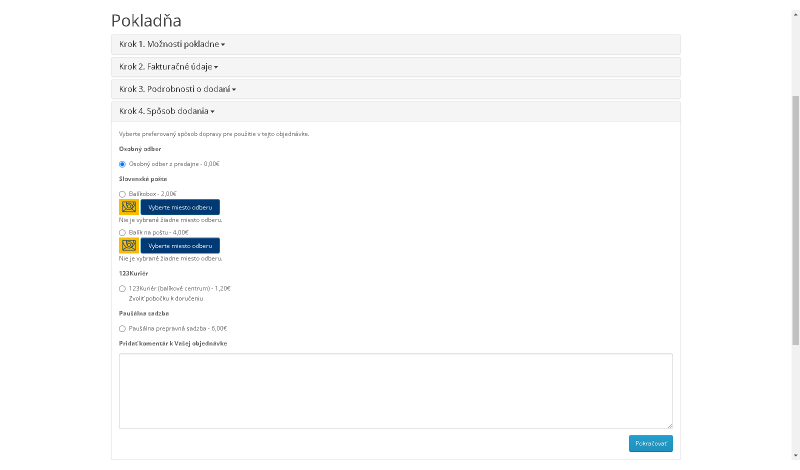
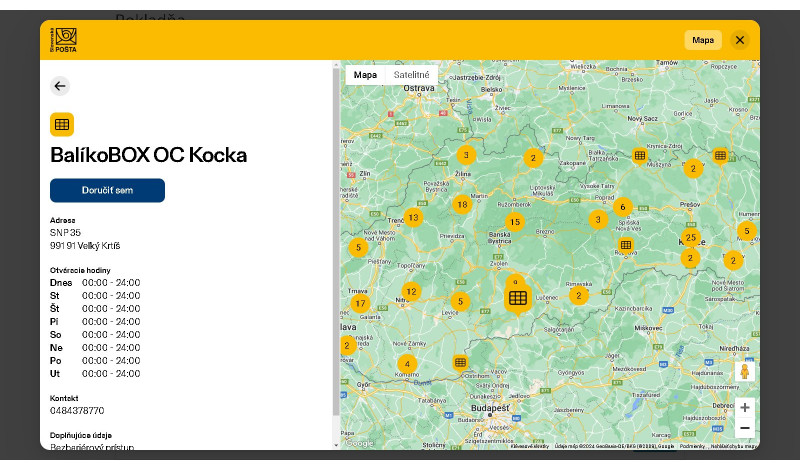
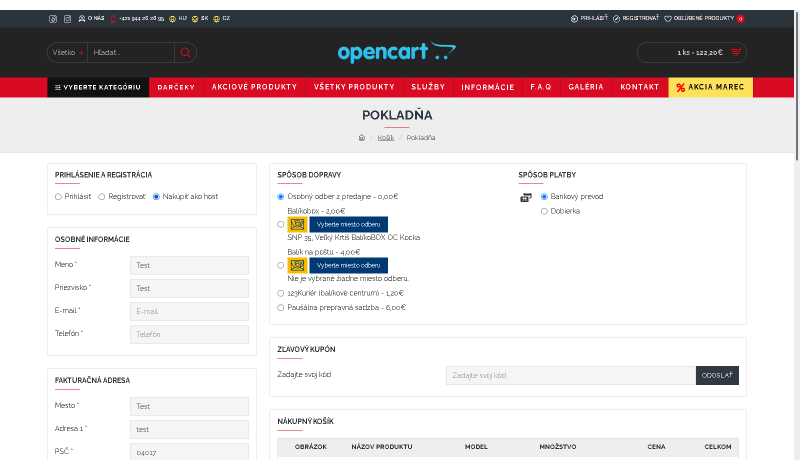
Slovak Post Widget is a shipping module for the OpenCart platform that adds an integrated Slovak Post widget to your e-shop. This allows customers to conveniently select a pickup point during checkout – from a map or a list – without manual data entry and without unnecessary errors.
Why choose Slovak Post shipping?
Slovak Post is still one of the most accessible delivery options for many online stores, mainly thanks to its wide network of branches and pickup points. Customers often prefer delivery to a post office or to a Parcel Locker because of the flexibility and the ability to pick up the shipment at a time that suits them. This module makes it possible to offer Slovak Post shipping in a clear, modern way directly in the checkout process.
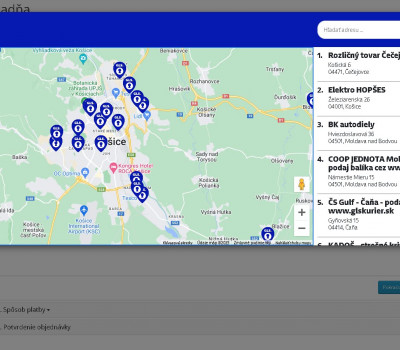
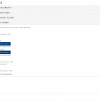
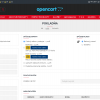
The module supports pickup points for Parcel to Post Office, Parcel Locker, and PostPOINT. The branch selection is displayed in a pop-up window where customers can choose the nearest or most suitable location using a map or text search.
Main module benefits
- automatic loading of branches and pickup points
- clear pickup point display in the cart
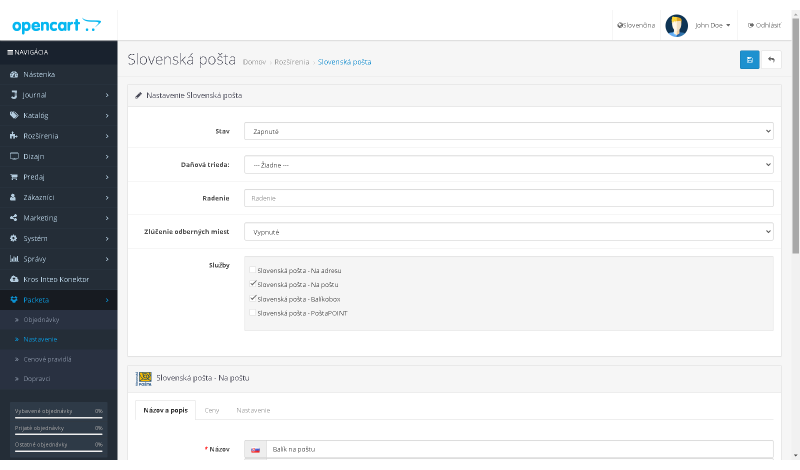
- shipping price setup based on weight
- option to enable or disable cash on delivery
- free shipping configuration
- easy installation
- free updates
- only new files, no original files are overwritten
- fast support
- regular module improvements and new features
How does it help in practice?
Slovak Post Widget provides customers with a convenient pickup point selection and gives you full control over how the shipping method is displayed in your store. The module is suitable for e-shops that want to keep Slovak Post pickup points always up to date, configure shipping conditions as needed, and still provide customers with a simple and reliable delivery choice.
Module features
- integrated Slovak Post widget directly in the checkout process
- always up-to-date pickup points
- pickup point selection via map or text search
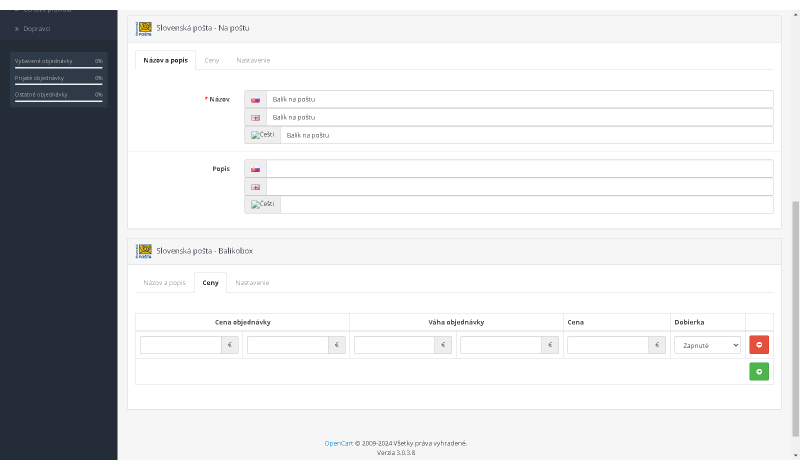
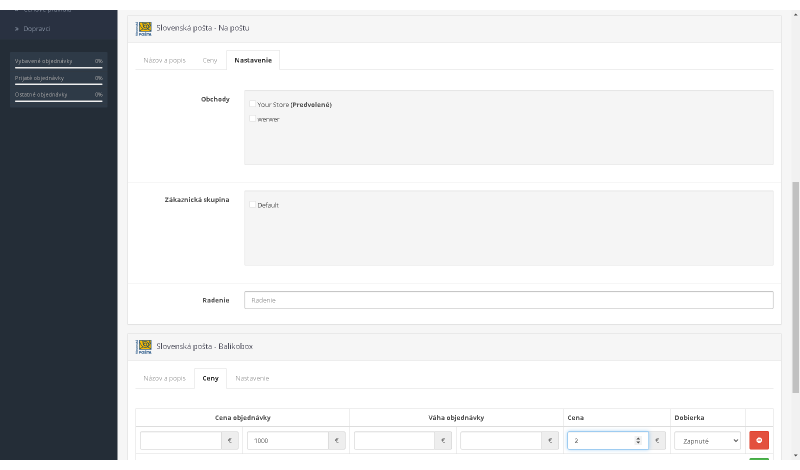
- ability to set price ranges based on order value and weight
- free shipping option
- option to enable or disable cash on delivery
- tax class settings
- geo zone settings
- option to display pickup points separately as individual shipping methods or as a single combined method
- custom shipping method name setup
- custom shipping method description setup
- visibility settings for multistore and customer groups
- ability to control visibility based on products in the cart
Compatibility
The module is compatible with OpenCart 3.x. If you need a version for another OpenCart release, feel free to contact us at support@opencart-solutions.com.
Module Installation Instructions
Before starting the installation of the module in OpenCart, we strongly recommend creating a backup of all store files and the database.
- Download the module file for the required OpenCart version from our website (if the archive contains installation instructions, please follow them).
- In the OpenCart administration panel, navigate to Extensions / Installer and click the Upload button.
- Select the downloaded file and wait until the module is fully installed. After successful installation, the message “Application installed successfully” will be displayed.
- Go to the Extension Modifications (Application Manager) and click the Refresh or Update button to rebuild modifications.
- Then open User Groups and assign permissions to view and manage the module for the administrator or selected users by clicking Select All.
After completing these steps, the module will be successfully installed and ready to use. You can now proceed with its configuration.