


SuperFaktúra Pro - 3.x
Compatibility (OpenCart versions):
- Stock: In Stock
- Model: superfaktura-pro-3x
Available Options
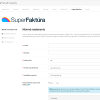
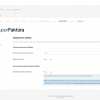
SuperFaktúra Pro is an advanced OpenCart module that provides full integration between your online store and the SuperFaktúra online accounting system. The module was developed based on many years of experience delivering custom integrations for clients and brings extended functionality designed for premium and high-demand e-commerce stores.
The module is built to significantly simplify invoicing, eliminate manual data entry and ensure automatic creation of accounting documents directly from the OpenCart administration. Technical support and the option for custom modifications based on specific business requirements are included.
Why use SuperFaktúra API with OpenCart?
Connecting your e-commerce store with SuperFaktúra via API delivers major time savings and reduces errors caused by manual processing. All order, customer, payment and product data are transferred automatically and securely. The API enables real-time document creation, payment matching and stock synchronization, even for stores with a high volume of orders.
Thanks to the API integration, invoices can be generated automatically, multiple VAT rates and foreign currencies can be handled correctly and OSS mode can be supported. This results in a stable, fast and professional accounting workflow without unnecessary administrative overhead.
SuperFaktúra Pro Features
- Support for SuperFaktúra services in Slovakia, Czech Republic and Austria
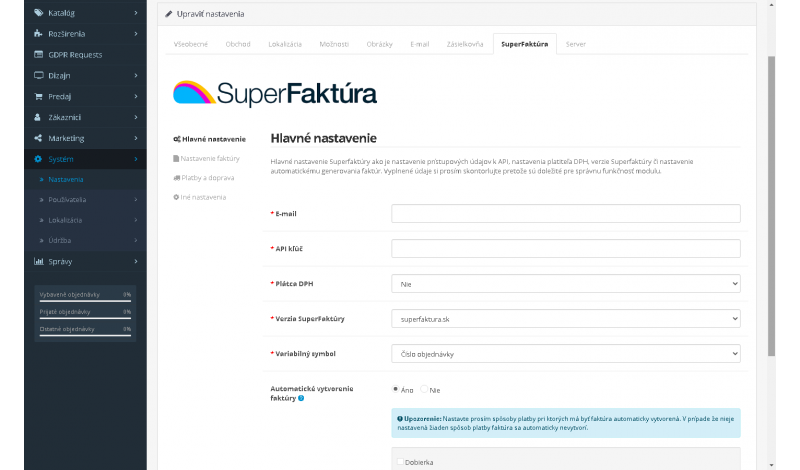
- VAT payer / non-VAT payer configuration
- Support for multiple VAT rates (10%, 20%, 21%)
- Automatic invoice creation when an order is created
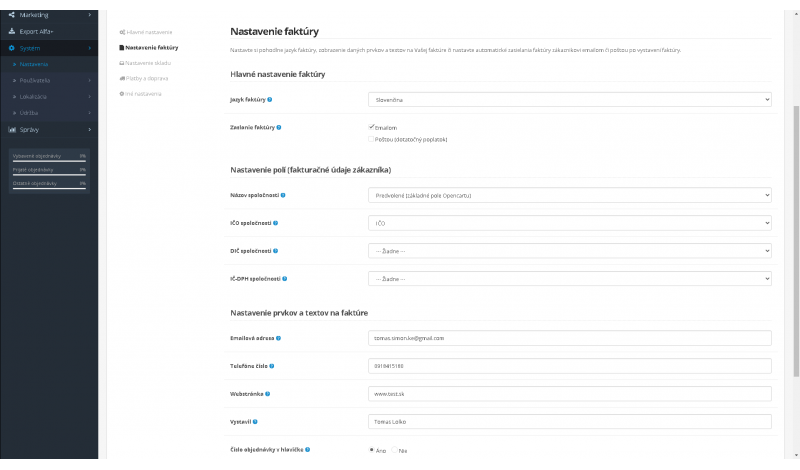
- Invoice language configuration
- Automatic invoice delivery to customers by email or post
- Custom invoice texts (contact details, website, issued by, phone number)
- PAYSQUARE and signature display on invoices
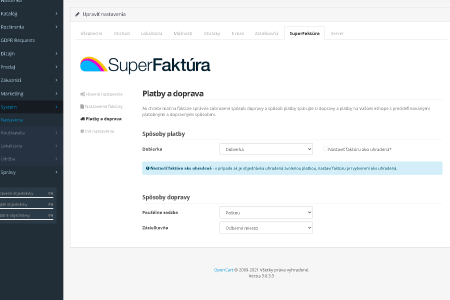
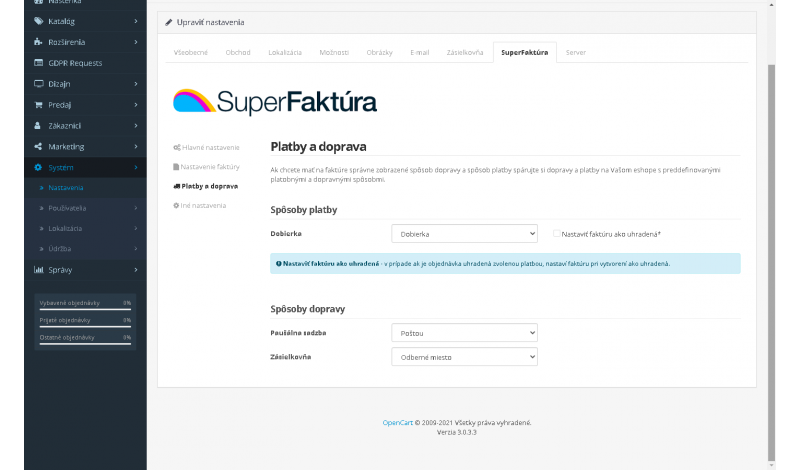
- Shipping and payment method mapping between OpenCart and SuperFaktúra
- Automatic invoice marking as paid
- Bulk invoice generation
- Support for discount coupons and gift vouchers
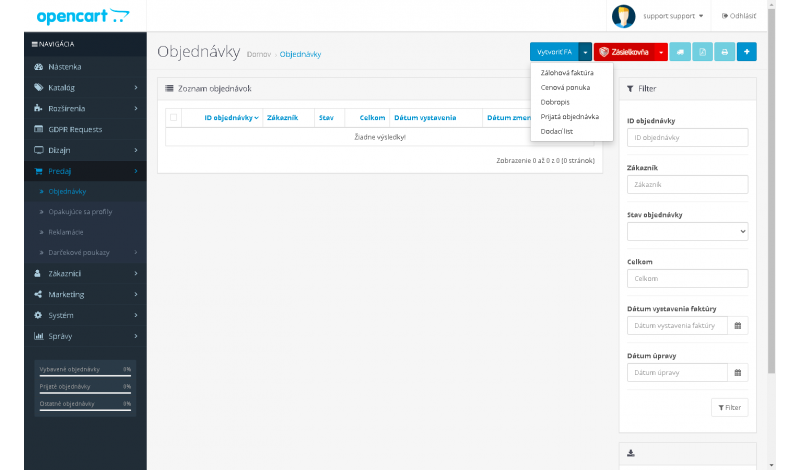
- Creation of invoices, delivery notes, orders, credit notes and quotations
- Foreign currency document export
- PDF invoice download directly from the e-shop
- Custom field mapping (Company ID, Tax ID, VAT ID)
- Stock management with automatic stock deduction
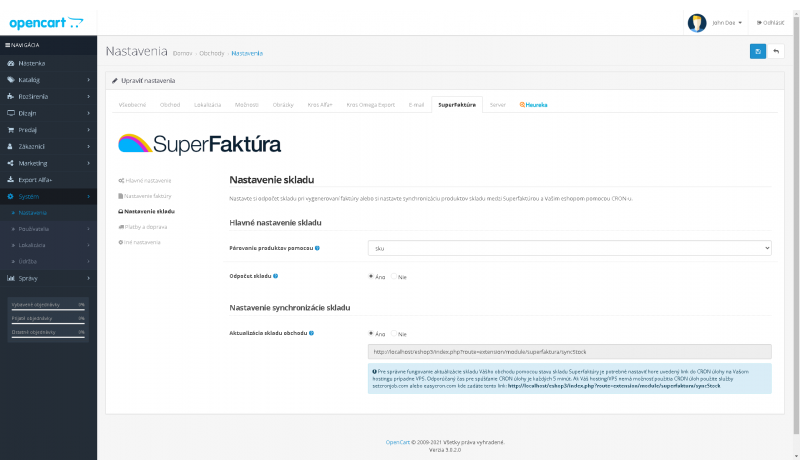
- Stock synchronization from SuperFaktúra to OpenCart (manual or CRON)
- Multistore support
- Company ID, Logo ID and Bank ID configuration
- OSS (One Stop Shop) mode support
- Reverse charge VAT support
- Online payment setup and PayPal account display on invoices
- Advanced accounting settings (pre-accounting, synthetic and analytic accounts)
- Callback payment for automatic payment matching
- Multilingual VAT transfer text
- Accounting support for additional order items
Main Benefits
- Easy installation using OCMOD
- Free updates
- No OpenCart core files are overwritten
- Stable and secure API integration
- Fast and reliable technical support
- Regular feature enhancements
Supported SuperFaktúra Services
superfaktura.sk (Slovakia), superfaktura.cz (Czech Republic), superfaktura.at (Austria)
Module Installation Instructions
Before starting the installation of the module in OpenCart, we strongly recommend creating a backup of all store files and the database.
- Download the module file for the required OpenCart version from our website (if the archive contains installation instructions, please follow them).
- In the OpenCart administration panel, navigate to Extensions / Installer and click the Upload button.
- Select the downloaded file and wait until the module is fully installed. After successful installation, the message “Application installed successfully” will be displayed.
- Go to the Extension Modifications (Application Manager) and click the Refresh or Update button to rebuild modifications.
- Then open User Groups and assign permissions to view and manage the module for the administrator or selected users by clicking Select All.
After completing these steps, the module will be successfully installed and ready to use. You can now proceed with its configuration.
SuperFaktúra Registration and API Credentials
This guide describes how to register in the SuperFaktúra system and obtain API credentials required for integration with the SuperFaktúra Pro module.
1. User Account Registration
- Open the website superfaktura.sk
- Click Register / Free Trial
- Enter your email address, password, and company name
- Confirm the registration email
- Log in to the SuperFaktúra administration
2. Premium Plan Activation
API access is available only in premium plans.
- In the administration, go to Subscription / Pricing
- Select and activate a premium plan
- Complete the subscription order
3. Company Profile Setup
- Go to Settings → Company Profile
- Fill in the company name, company ID, address, and country
- Save the changes
4. Enable API Access
- Go to Settings → API
- Enable Allow API access
- Save the settings
5. Obtain API Credentials
The following credentials are available on the Settings → API page:
- API Email – the email address of the user account
- API Key (API token) – authentication token for API communication
- Company ID – numeric identifier of the company
These credentials must be entered into the settings of the SuperFaktúra Pro module.