

Zbozi.cz XML Feed - 1.5.x
- Stock: In Stock
- Model: zbozi-cz-xml-feed-15x
Available Options
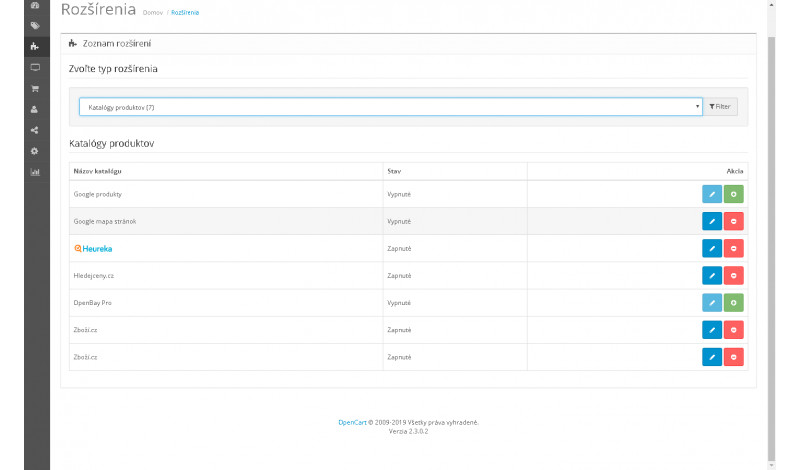
Zbozi.cz XML Feed is a module for the OpenCart platform that generates a fully compatible XML product feed for the Zbozi.cz price comparison service. Exporting product data to Zbozi.cz helps increase store visibility, attract relevant traffic and reach customers who actively compare prices.
The module automatically exports essential product information such as names, descriptions, prices, availability, images, categories and other parameters required by Zbozi.cz. The XML feed is generated according to the official specification, ensuring smooth processing and regular data updates.
Main benefits
- automatic XML product feed generation from OpenCart
- export of prices, availability, images and categories
- advanced feed configuration directly in the admin panel
- CPC and CPC search support for cost control
- increased store visibility on Zbozi.cz
Module features
- XML feed generation fully compliant with Zbozi.cz requirements
- filtering of products included in the feed
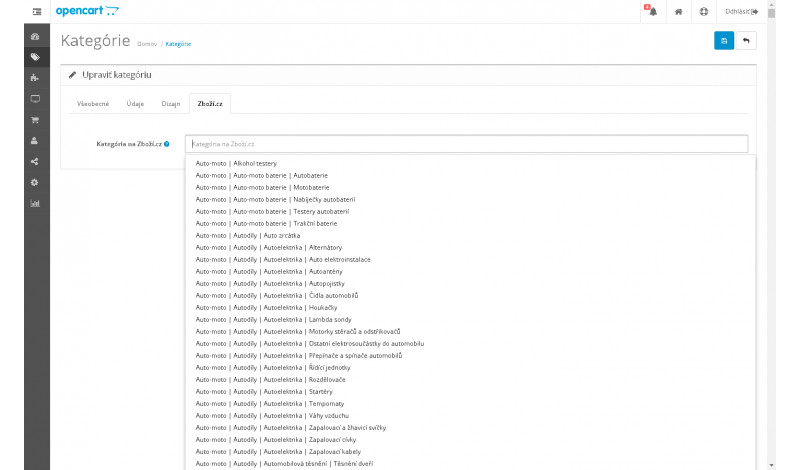
- mapping OpenCart categories to Zbozi.cz categories
- shipping methods and delivery cost configuration in the feed
- automatic feed updates when products change
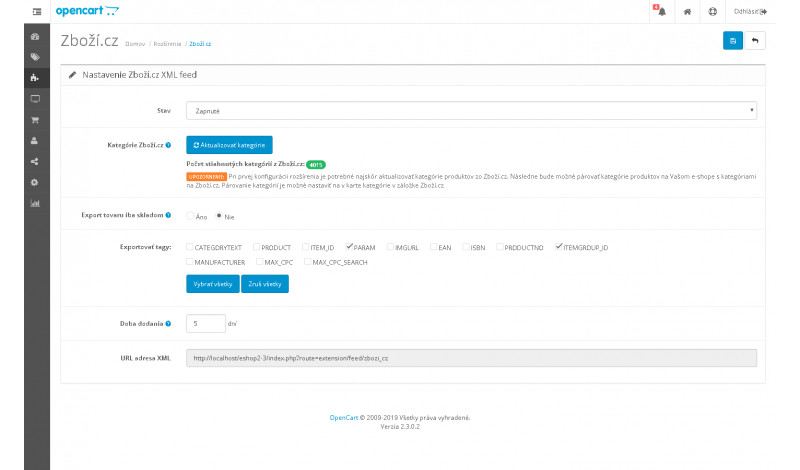
XML feed configuration options in admin
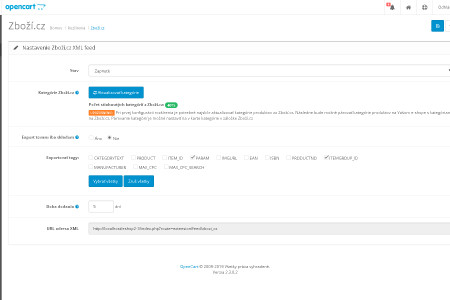
The module provides extensive XML feed configuration options directly in the OpenCart administration, allowing precise customization of exported data according to Zbozi.cz requirements.
- category mapping based on Zbozi.cz category structure
- generation of XML feed for Zbozi.cz
- CPC and CPC search configuration (cost per click)
- delivery time settings for out-of-stock products
- export only products that are in stock
- enable or disable optional XML tags (except mandatory ones)
- Czech currency support (automatic conversion to CZK for non-CZ stores)
- export of PARAM and ITEMGROUP_ID parameters
Product variant export (PARAM and ITEMGROUP_ID)
The PARAM export is based on product options. If a product has multiple variants, such as different sizes or colors, the module automatically generates all possible combinations as separate items in the feed.
Individual variants are linked using ITEMGROUP_ID, eliminating the need to create separate products for each variant. The XML feed handles variant grouping automatically, simplifying catalog management.
Exported XML tags
PRODUCTNAME, DESCRIPTION, URL, PRICE_VAT, DELIVERY_DATE, CATEGORYTEXT, PRODUCT, ITEM_ID, PARAM, IMGURL, EAN, ISBN, PRODUCTNO, ITEMGROUP_ID, MANUFACTURER, MAX_CPC, MAX_CPC_SEARCH
Compatibility
The module is compatible exclusively with OpenCart 1.5.x.
If you need custom modifications, extended functionality or technical support, please contact us at support@opencart-solutions.com.
Module Installation Instructions (vQmod)
Before starting the installation of the extension in OpenCart, we recommend creating a backup of all e-shop files and the database.
- Make sure that vQmod is installed and working properly in your OpenCart. If vQmod is not installed, it must be installed first according to the official instructions.
- Download the module file for the required OpenCart version from our website (if the archive contains separate instructions, follow them).
- Extract the downloaded module archive on your computer.
- Upload the module XML file (e.g. module_name.xml) via FTP to the directory /vqmod/xml/.
- After uploading the file, the vQmod modification is applied automatically. No installation in the OpenCart administration is required.
- Log in to the OpenCart administration, go to User Groups, and set permissions to view and modify the module for the administrator or other selected users by clicking Select All.
- We recommend clearing the vQmod cache by deleting the files from the directory /vqmod/vqcache/, or by using an available cache clearing tool (if available).
After completing these steps, the module will be successfully installed and ready for use. You can then proceed with its configuration according to your needs.